TL;DR
- Protect business data first; do not keep restarting or dismantling a device that shows signs of serious failure.
- Compare diagnosis, parts availability, security support, downtime and expected useful life—not repair price alone.
- Replace when the device remains a poor operational fit even after a technically successful repair.
Quick answer: Compare fault severity, device age, repairability, security, downtime and business fit before repairing or replacing a work laptop.
A repair can be the sensible choice when a known component has failed and the rest of the laptop still meets business needs. Replacement can be safer when faults are recurrent, security support has ended, suitable parts are uncertain or downtime costs more than the hardware decision.
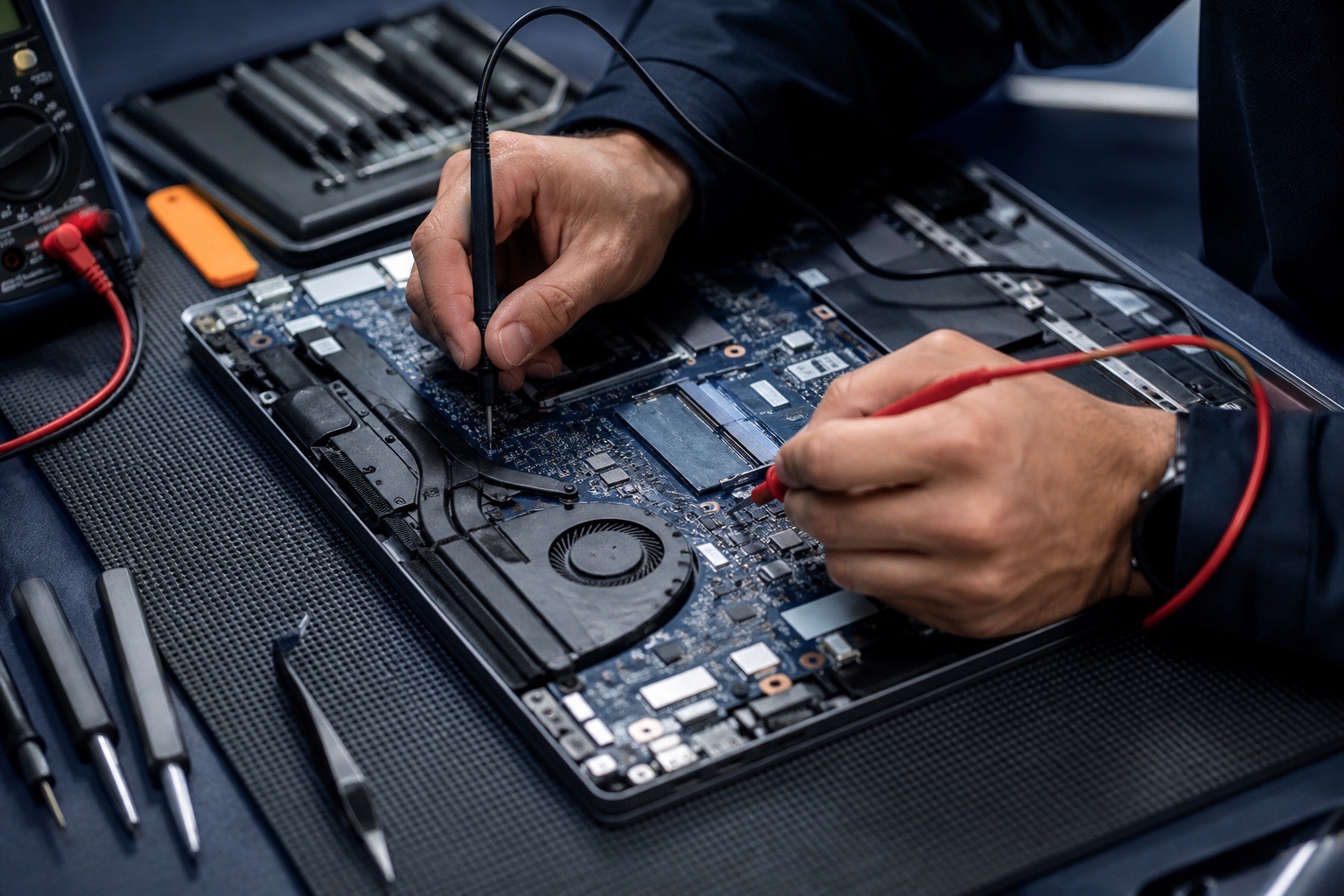
This framework helps an office make a documented choice. For hands-on diagnosis, see Technobyte’s device repair service.
Stabilise the situation before comparing costs
If the laptop is unusually hot, swollen, liquid-damaged, electrically unstable or making unfamiliar mechanical sounds, stop using it and obtain qualified advice. Disconnecting power may be appropriate, but do not improvise work on batteries or internal electronics.
Protect data and access
- Confirm whether current backups are usable.
- Record business applications, licences and encryption recovery information.
- Identify accounts or credentials that may need revocation.
- Do not copy confidential data to unmanaged personal storage.
Assess the complete device, not only the failed part
Obtain a diagnosis that identifies the likely fault, proposed repair, part status and warranty. Then review processor and memory suitability, battery condition, storage health, display, hinges, ports and operating-system support.
Calculate operational cost
Consider staff downtime, temporary equipment, setup effort and the probability of another near-term failure. A low repair quote can still be poor value if the device cannot reliably run required software or receive security updates.
Choose repair, upgrade or replacement deliberately
Repair when the fault is understood, parts are appropriate and the restored device remains fit for its role. A storage or memory upgrade may be useful when supported and when it addresses a measured constraint. Replace when safety, repeated faults, unsupported software or workload mismatch remains.
For replacement, define the role before selecting a model. Standardise suitable devices where practical, document warranties and prepare secure transfer, data erasure and responsible disposal for the old unit.
Frequently asked questions
Is an older business laptop always worth replacing?
No. Age is one factor alongside fault type, overall condition, parts, security support, performance needs and downtime. A diagnosis makes the trade-off clearer.
Should data be backed up before laptop repair?
Maintain current business backups as normal practice and tell the repair provider about data sensitivity. A failing device may not be safe to operate solely to create a last-minute backup.
Can adding memory make a slow laptop useful again?
Sometimes, if memory pressure is the measured bottleneck and the model supports an upgrade. It will not resolve unrelated storage, thermal, software or hardware faults.