TL;DR
- Plan outlets for people, phones, printers, cameras, access points and future layout changes before ceilings close.
- Specify cable category, pathways, patching, switches and power as one system.
- Require permanent labels, test results and an as-built diagram at handover.
Quick answer: Plan office data cabling around floor layout, outlets, wireless access points, switch capacity, labelling, testing and handover documentation.
Structured cabling is difficult to inspect once an office is finished, so decisions made during fit-out affect future Wi-Fi, phones, access control and troubleshooting.
Technobyte provides office networking from practical planning through testing and handover.
Build a complete device and outlet schedule
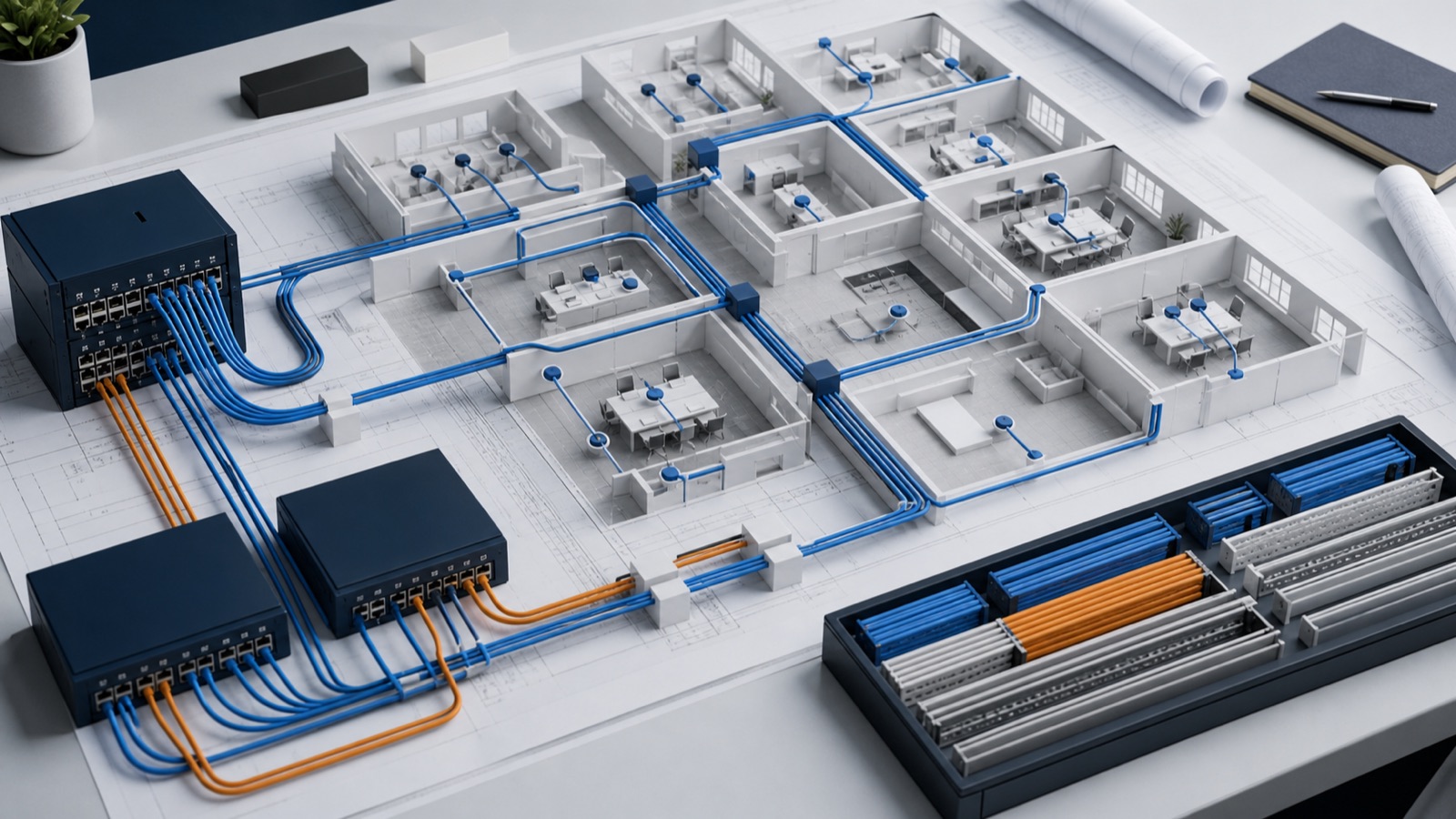
Mark desks, meeting rooms, printers, reception, wireless access points, CCTV, access control and business equipment. Include spare capacity where layouts may change. Confirm whether voice devices use the same network and where local power or Power over Ethernet is required.
Coordinate pathways and equipment rooms
Agree containment, risers, ceiling access, fire stopping and separation from electrical interference with the fit-out team and applicable specialists. Select a secure, ventilated rack location with suitable power, grounding and service access.
Match cabling to switching and Wi-Fi
The cable specification, run length, patch panels, switch ports, uplinks and PoE budget must support intended devices. Place wireless outlets according to a coverage design rather than the easiest ceiling location. Keep guest and operational requirements in the network design.
Test and document before acceptance
- Label both ends of every permanent link consistently.
- Certify or test links to the agreed standard and retain results.
- Record patch-panel, switch and outlet mappings.
- Provide an as-built floor plan, rack schedule and warranty details.
- Test key applications, Wi-Fi and failover under realistic use.
Frequently asked questions
How many network outlets should an office desk have?
It depends on computers, phones, docking, redundancy and the operating model. Build a device schedule and include sensible spare capacity rather than using one universal number.
Should Wi-Fi access points have dedicated cables?
Managed access points normally need appropriate wired connections and often Power over Ethernet. Their locations should follow the wireless design.
What documents should cabling handover include?
Request labels, test results, as-built drawings, rack and patch schedules, equipment details, warranties and administrator or support ownership.